A little help for the journey

How to use the
road trip planner.

A favourite road. A stop worth making. A whole weekend away. Here’s how to bring it together in Remapped.

Build your next drive Four simple steps. Your own way round.
Example routeMap preview

Loading the route preview…

Choose your start, shape the journey, find your finish.
From an idea to a route

A good drive starts
with a simple plan.

Use the map to build the drive you have in mind. Start small, then add a little more along the way.

  1. 01 / Pick your places

    Start here.
    Finish anywhere.

    Search for a place, address or road, or choose directly on the map. Set your start and finish to see a driving route between them.

    Making a loop?Switch on Return to start and add a distinct through point.
  2. 02 / Make it your own

    A detour.
    A stop. Your road.

    Choose Add a through point to add a place or shape the drive. Use Stop for a visit and Road point to guide the roads you take.

    Your order, your choice.Move points manually, or use Smart order. Lock a point to keep it fixed.
  3. 03 / Make a trip of it

    One great day.
    Or a few more.

    Choose Add day when you’re ready to continue. Switch between the day buttons to plan each drive separately.

    Pick up where you left off.Keep Start where the previous day ends selected, or turn it off to choose a different start.
  4. 04 / Keep it for the road

    Every day.
    All together.

    Check the route preview, distance and estimated driving time. Give your route a name and add any notes you want to keep.

    Planning several days?Name the road trip folder, then choose Save road trip to folder. Premium saves each day as a separate route inside it.
A weekend. A week. A way away.

Your trip has chapters.

Each day gets its own route, stops and driving preview. When you save, those days stay together in one folder in your Remapped account.

Plan up to 31 days, with up to 25 points per day. Saving routes and folders requires Premium.

Start planning your trip
Your road trip folderA weekend away3 days
  1. 01
    Day 1The road out
  2. 02
    Day 2A little further
  3. 03
    Day 3The long way home

Separate drives. One plan worth keeping.

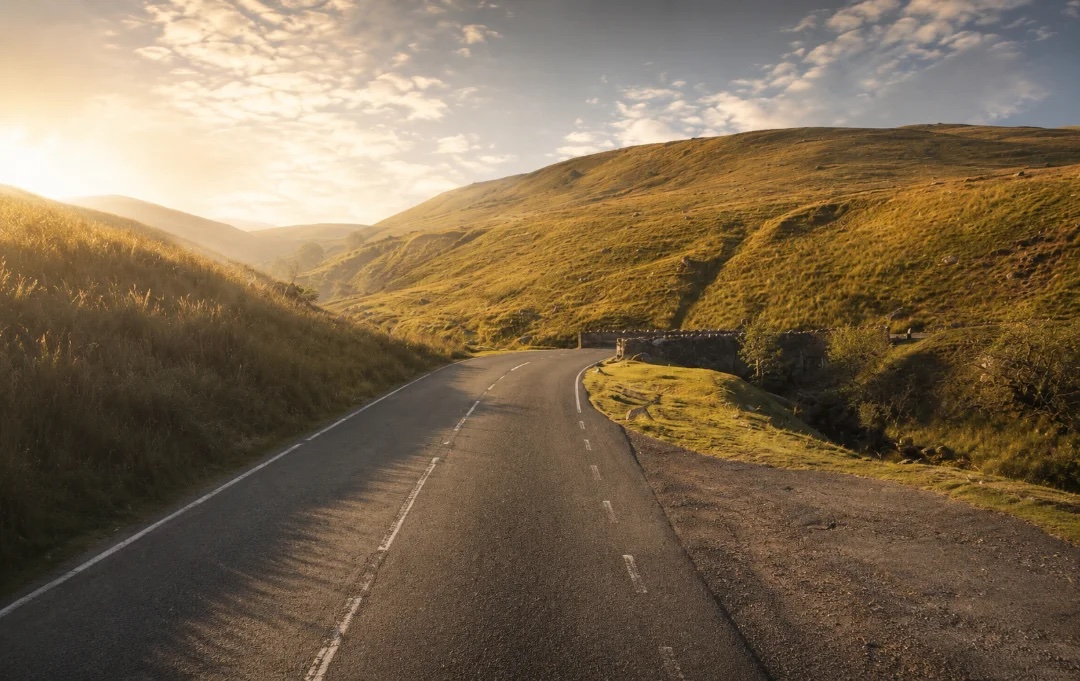
Black Mountain road winding through the Welsh hills
You don’t have to start from scratch

Found a drive you like?

Open any scenic drive and choose Customise this route. Sign in to edit a copy of its route points, then save your own version with Premium.

The planner recalculates between the points, so check the preview before saving.Find a drive to make yours
A few useful answers

Before you head off.

For the little things you might be wondering.

Do I need an account?

You can build and preview a new route without signing in. Sign in to customise an existing Remapped drive. Saving custom routes and road trip folders requires Premium.

How many days and stops can I add?

You can plan up to 31 days, with up to 25 points per day, including the start, finish and any stops or road points.

What does Smart order do?

Smart order arranges unlocked points using geographic distance. Start, finish and locked points stay fixed. It does not guarantee the fastest drive or automatically choose scenic roads.

Are breaks included in the estimate?

Driving estimates exclude stops and breaks. Allow extra time for traffic, road conditions and the places you want to visit.

Can I come back to my draft?

The builder keeps your draft in this browser, including all the days. Sign-in accounts have separate drafts. Saving with Premium puts the daily routes in your shared account folder; each saved day can be edited separately.

Can I navigate on the website?

The website is for planning and previewing. Navigation is an app feature, available at app launch. The app recalculates navigation, so roads and estimates can differ from the web preview.

A little inspiration

Not sure where to start?

All collections ↗
Your roads. Your way round.

Ready when you are.

Back to the route planner